
Working with a Telegram account you already bought
Buying the account is the short part. This section is about what comes after the download: the archive you receive, the client you open it in, the checks Telegram runs the first time a new machine appears, and the settings that decide whether access stays with you.

Buying Verified Telegram Accounts: What the Label Actually Tells You
A verified label on a Telegram account listing usually describes a seller's phone-verification claim, not Telegram's official badge. This guide explains what common claims do and don't prove, offers a seven-point pre-purchase checklist, and shows how to compare offers before spending money.
Read the guideWhat this blog covers
A ready-made account arrives as files, not as a phone number, and almost everything else follows from that. The first sign-in is a file operation rather than a registration, the client has to be closed before those files are put in place, and Telegram still gets to judge the machine you open them on. Guides here start from that position instead of from an empty Telegram app.
Some questions belong to the store rather than to the blog, and they are answered better on their own pages. What each order contains is set out under Account formats; the ordering and payment sequence is on How to buy; and if a download link stops working, Order protection is the page that deals with it. Nothing here restates them. The blog picks up on your own computer, once the archive is unpacked and the questions stop being commercial.
Each guide takes one situation and follows it to a result you can check on your own screen: what to have ready, what to click, what the screen should look like afterwards, and which of the usual dead ends you have probably walked into. Where the answer depends on your operating system or on which Telegram build you run, the text says so instead of pretending there is a single path.
- The order archivewhat you download
- Devices and sessionswhere it is signed in
- Two-factor and storagewho else can get in
- When sign-in failscodes, blocks, refusals
Every direction here assumes the account already exists and belongs to you — none of it is about registering a new number.
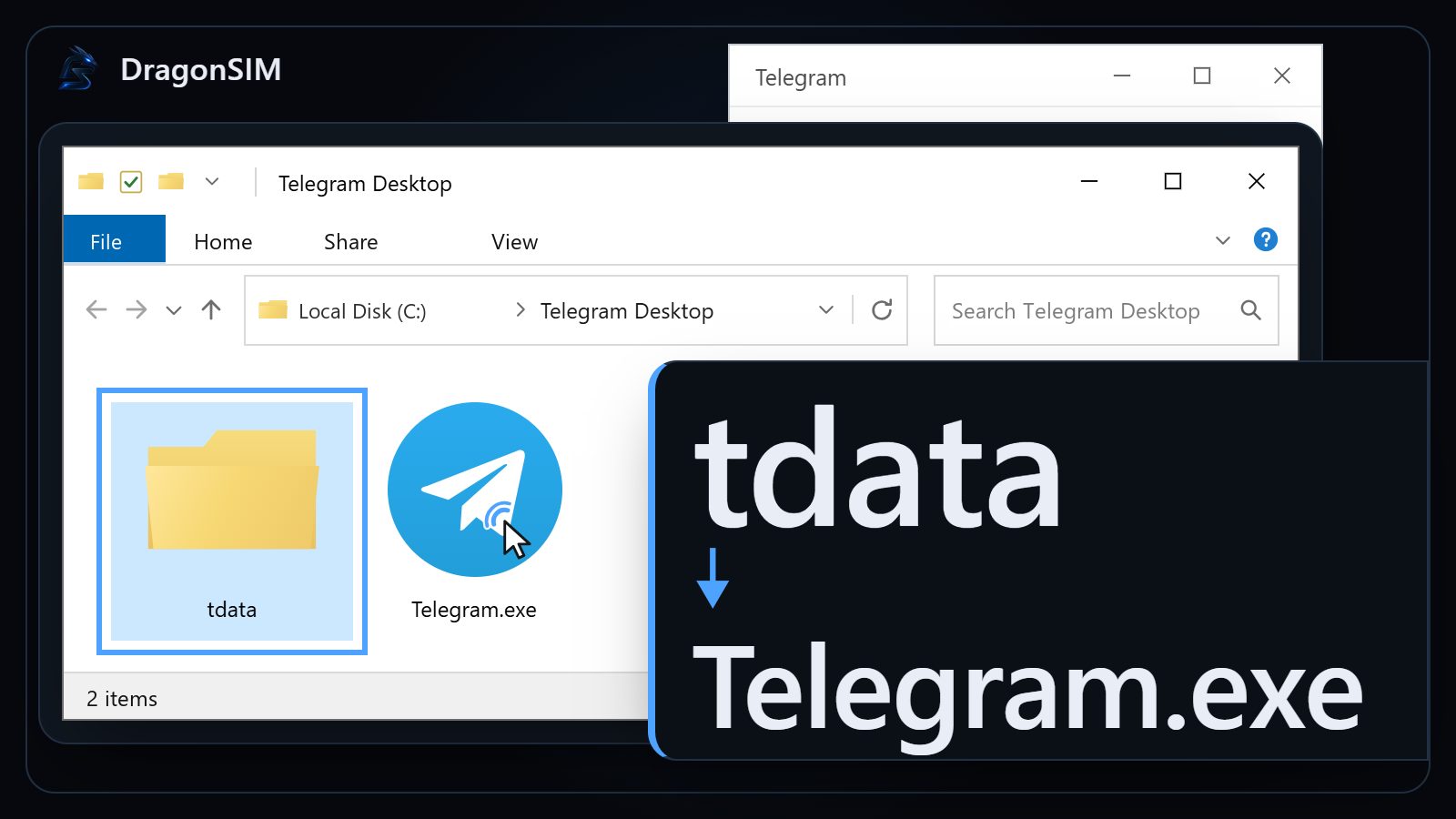
- The files in your orderWhere each part of the archive goes on a Windows machine and what has to be closed before you move it. The comparison of one access format against the other is not here — that argument has its own page on the site.
- Sign-in and active devicesWhat Telegram does when an account it already knows appears on hardware it does not, and how to read the list of active sessions afterwards.
- Two-factor and safe storageThe cloud password, recovery settings, and handling order files so a spare copy never becomes somebody else's access. Our half of that boundary is described on the trust page.
- Failed sign-ins and limitsWhat to do when the code never arrives, the client refuses the files, or Telegram restricts the account. Standard settings only, and an honest answer when the fix is not on our side.
Steps are checked against current desktop and mobile builds and re-checked when Telegram moves them. Anything that works only by evading a limit is out of scope: it stops working faster than an article can be updated, and it is not what these accounts are sold for.
Read these first
Three store pages cover the questions that come up in the first hour after payment: how an order is placed, how the files reach you, and where our responsibility for them ends. Open whichever one matches where you are right now.
All guides
Grouped by direction. A direction is a heading over a list here, not a separate page with an address of its own.
The files in your order
Sign-in and active devices
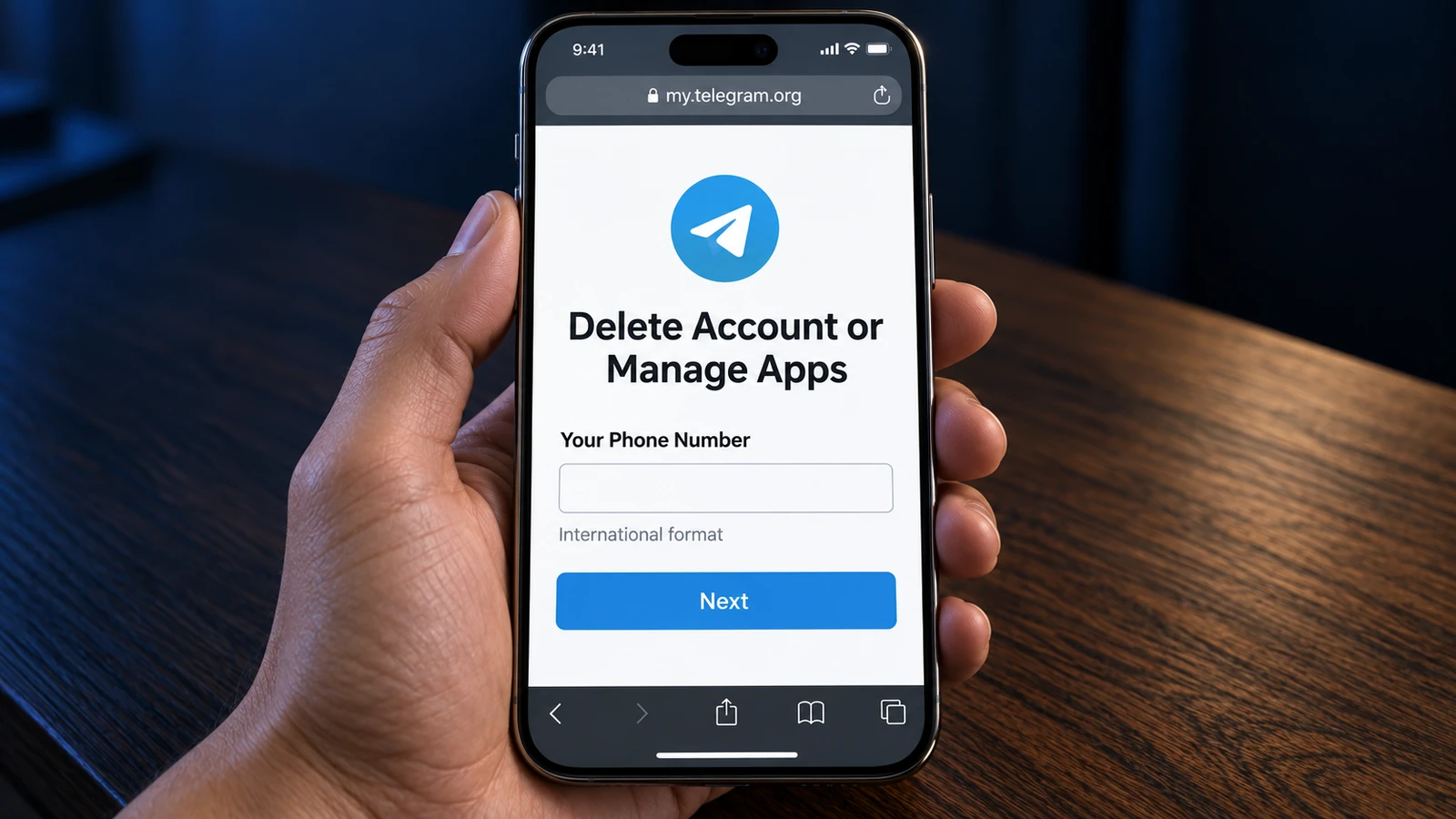
- How to delete your Telegram account permanentlyThe official deactivation link, the code that arrives in the app instead of SMS, what to export first, and which copies of your chats stay with the people you wrote to.13 September 20268 min read
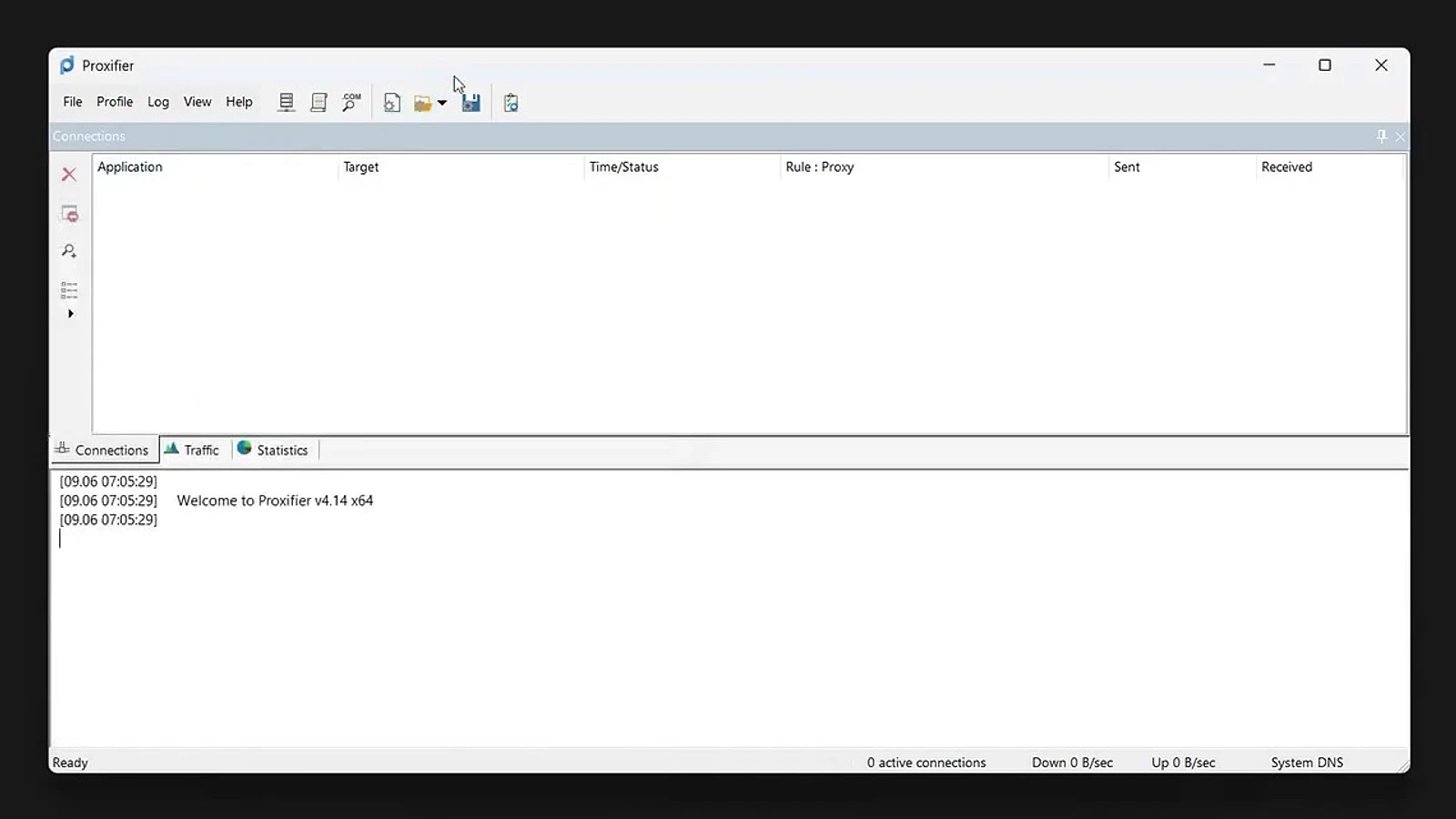
- How to set up a proxy for Telegram on WindowsTwo working paths for a Windows desktop: the proxy setting built into Telegram, and Proxifier with a rule for Telegram.exe when you run several copies or want the rest of the PC left alone. With checking the connection log and what a rotating proxy really changes.12 September 202610 min read
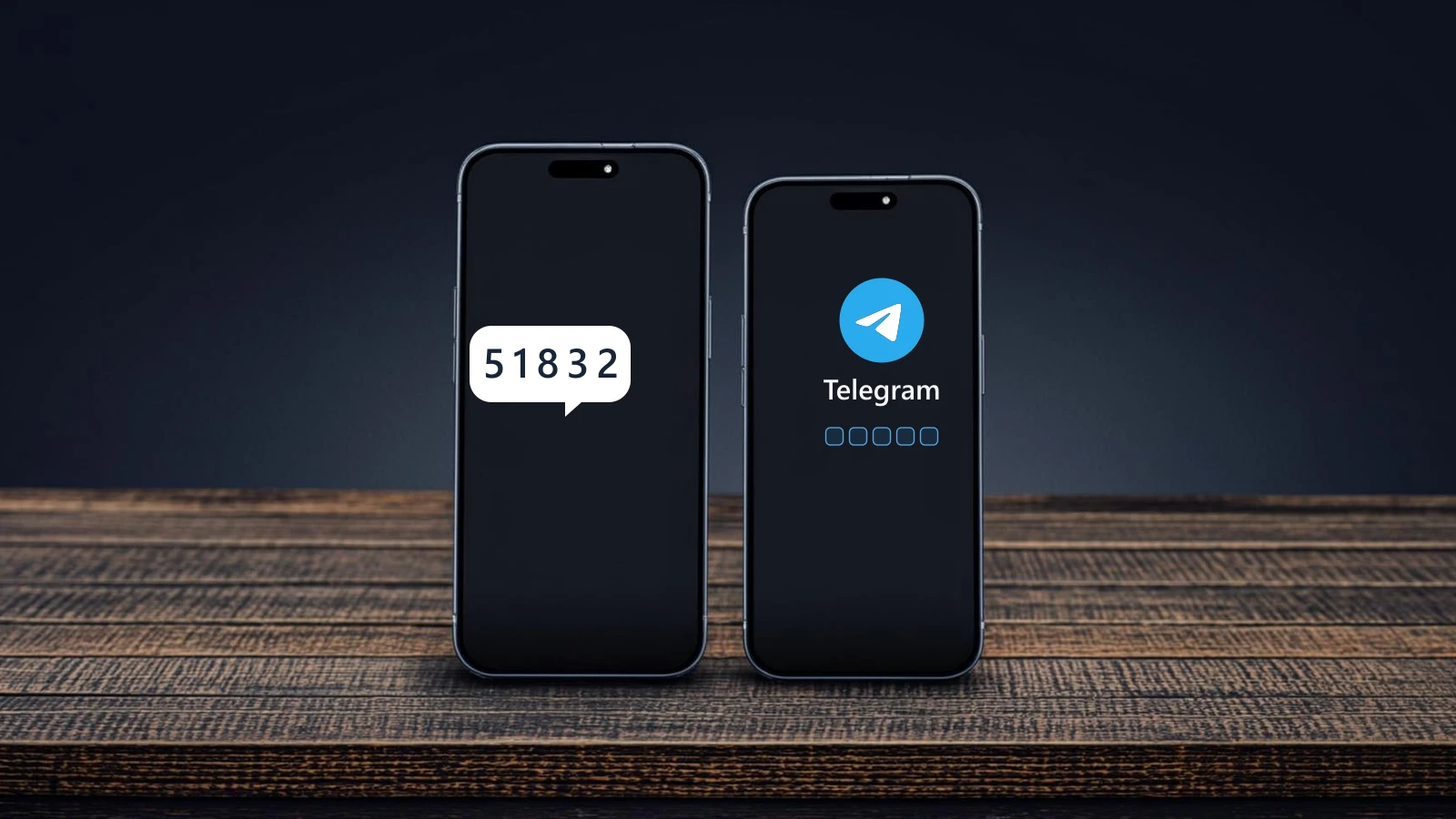
- How to sign in to Telegram on a new phone and keep your chatsA new phone keeps the old account. This guide covers the login code and where it lands, the passkey and email routes, the lost-device cases, and what returns from the cloud.8 September 202618 min read
Two-factor and safe storage
Looking for a particular country?
Live stock, prices and account age are listed per country in the catalog. The comparison of the two access formats has its own page.