
Buying Verified Telegram Accounts: What the Label Actually Tells You
Jump to a section
- What "Verified" Actually Means: Four Separate Things
- Claims You'll See, and What Each One Is Worth
- Seven Checks Before You Pay
- TDATA or SESSION + JSON: Match the Files to Your Workflow
- Two Fictional Offers, and What Each One Leaves Unknown
- When a Purchase Doesn't Solve the Problem
- What to Check After Delivery
- Common questions
What "Verified" Actually Means: Four Separate Things
Search for ways to buy verified Telegram accounts and you run into four different uses of the same word. They answer different questions, so keep them apart.
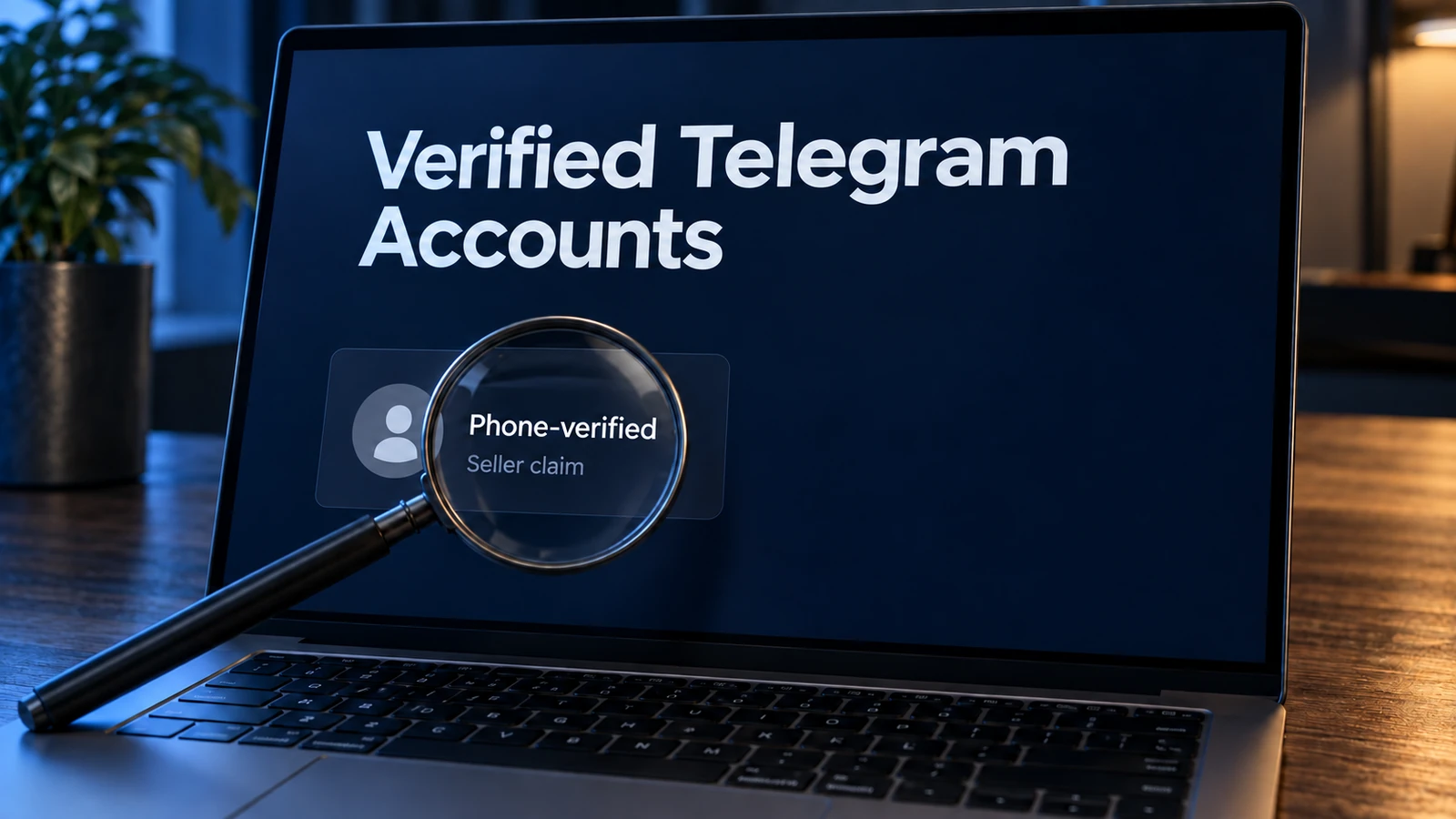
Seller claim: phone-verified. The seller is describing the account's origin: registration through a number that completed Telegram's confirmation step. Phone verification is not a category Telegram defines or grades, and a listing's wording doesn't confirm itself. As a label, it covers the origin story and nothing more.
Official verification. The blue check confirms the official status of the channel, group, or bot it is attached to, and Telegram grants it through its own process. Buying an account doesn't provide this status.
Third-party verification. Telegram also describes a separate kind: approved outside services can attach their own badges to user accounts and chats. What a particular badge means has to be read in the explanation of the service that issued it. It is not the official Telegram mark, and a purchase doesn't add it by itself.
Premium. A Premium badge means a paid subscription is active. Telegram states plainly that Premium doesn't shield an account from limits or bans for rule violations, and it says nothing about who created the account or how it was used.
None of the four proves any of the others.
Claims You'll See, and What Each One Is Worth
Use this table while reading listings: the middle column is what a claim communicates, the right column is what it cannot establish alone.
| Claim on the listing | What it actually means | What it doesn't establish on its own |
|---|---|---|
| Phone-verified | What it actually meansThe seller's statement that the account passed phone confirmation at registration | What it doesn't establish on its ownA Telegram quality category, the account's history since, or its current standing |
| Official checkmark | What it actually meansPer Telegram, it confirms the official status of the channel, group, or bot attached to it | What it doesn't establish on its ownThat a purchase can supply the status; the check belongs to Telegram's own process |
| Third-party badge | What it actually meansAn extra badge from an approved outside service | What it doesn't establish on its ownThe official Telegram mark; a fixed meaning independent of the issuing service's explanation |
| Premium badge | What it actually meansAn active Premium subscription | What it doesn't establish on its ownProof of identity, origin, or protection from limits for rule violations |
| Aged batch (e.g., 14+ days) | What it actually meansThe seller's stated time since the batch was created | What it doesn't establish on its ownAn independently confirmed registration date, clean history, or freedom from limits |
| TDATA / SESSION + JSON included | What it actually meansThe login files cover Telegram Desktop and compatible software | What it doesn't establish on its ownThat your particular program accepts the included session type |
| "Works right now" | What it actually meansThe seller's statement about the most recent check | What it doesn't establish on its ownThe account's standing tomorrow; limits can be applied after delivery |
One row needs a note. A fresh check is a snapshot, not a forecast. Telegram applies limits when an account sends unwanted messages, which can happen after delivery. Its spam FAQ names @SpamBot as the channel for appealing restrictions a user believes are mistaken; that is a remedy for errors, not a promise an account stays unrestricted.
Seven Checks Before You Pay
A listing is a bundle of claims. These seven turn it into something you can accept or walk away from.
- Pin down what "verified" refers to. Look for a sentence defining verification as phone verification at registration. If the word floats undefined, you cannot tell what it covers; a written definition shows what the promise includes.
- Find a stated batch age. A concrete number, like fourteen days, is a figure you can hold a listing to. "Aged accounts" without a number gives nothing to compare against your task. Keep a stated age separate from a registration date you have confirmed yourself.
- Match the file package to your software. Confirm what arrives: TDATA, SESSION + JSON, and whether 2FA.txt accompanies accounts sold with two-step verification enabled. If your tooling accepts one session type and the listing doesn't name it, compatibility stays an open question.
- Check the 2FA situation before paying. If two-step verification is enabled, make sure a password is provided. The password matters for later access and recovery, a separate question from whether a session opens today. Password availability, number control, and active-session management each need their own confirmation. If a listing is silent, ask; if the password is missing after delivery, contact support.
- Ask what happens with the phone number. Telegram recommends keeping control of the number attached to an account, and its FAQ treats that control as its own subject, not something an open session provides. If a listing doesn't address number control, treat long-term recovery as unconfirmed and decide whether that fits your task.
- Read the store's terms before paying. DragonSIM's security page describes what the store looks at: file contents, password availability when 2FA is on, and the stated age of the batch. That sets the standard a listing is held to. Know in advance where to write if the first login fails.
- Plan a one-account test. Whatever the eventual volume, buy one account first and try it in your own setup. A test covers the delivered files and that one login; the FAQ below spells out what it can and cannot establish.
TDATA or SESSION + JSON: Match the Files to Your Workflow
Two readers need different things from the package.
If you work manually in Telegram Desktop on Windows, TDATA is the format built for that application. You want a Desktop-ready session included, and the password in 2FA.txt if two-step verification is on.
If you run software that accepts a specific session type, SESSION + JSON is the part that matters. The JSON file carries the session's parameters; it isn't a standalone universal login file, and whether your program can use it depends on that program. Check its requirements before ordering.
DragonSIM accounts ship with both formats; you don't pick one at checkout, so a Desktop workflow and a scripted one start from the same purchase. The account formats page explains what each file is for, and the buying guide covers how an order works end to end.
Two Fictional Offers, and What Each One Leaves Unknown
To see the checks at work, compare two invented examples. They are not real sellers' offers, and neither price is DragonSIM's.
Offer A, $0.40. The title reads "verified Telegram account." Nothing else appears: no batch age, no file formats, no word on two-step verification.
Offer B, $0.65. The listing states a batch age of fourteen days or more, names TDATA and SESSION + JSON as included files, confirms the password is provided when 2FA is enabled, and links published support terms. It does not promise permanent access to the phone number.
Offer B is easier to evaluate because it gives you specific details to compare with your requirements: the age is a number, the formats are named, the support terms written down. With Offer A, every substantive question still sits between you and the seller. An incomplete description by itself proves nothing about fraud; you can ask the seller the seven questions and judge what comes back.
No description settles what the account did before the sale, what its standing with Telegram is, or whether the number stays reachable. A detailed listing is easier to compare; it doesn't follow that the product is safer or the price justified. Both offers leave important questions unanswered. A test can show whether the delivered files work in your setup, but it cannot establish the account's history or guarantee future access to the number.
When a Purchase Doesn't Solve the Problem
Two kinds of problem are not solved by buying an account.
If you need the official checkmark for a channel, a bot, or a brand, the path runs through Telegram's own verification, not through any account for sale. Buying an account doesn't provide that status.
If your project depends on recovering an account long after purchase, number control is the deciding property. When a listing doesn't confirm long-term number access, recovery can't be counted on, and the account may not fit a task that requires it. Whether it suits a shorter-lived workflow depends on that workflow. Naming the boundary before paying keeps the decision honest.
What to Check After Delivery
The checks before paying only pay off if you go over the delivery itself.
- Inventory the package. Confirm the files match the listing: both formats if advertised, plus 2FA.txt where two-step verification is enabled.
- Review active sessions. Terminating unfamiliar sessions and setting your own 2FA password are separate actions; neither happens automatically at login.
- Keep the files private. TDATA and SESSION + JSON are live credentials. Don't paste them into chats, tickets, or screenshots, and share them with no one.
- Report problems at first use. If anything doesn't match, contact support right away. A first-use problem is grounds to write to support, not an automatic guarantee of a specific remedy. DragonSIM's refund policy describes how such cases are handled.
These checks help you assess the delivered files and the login you tested. They do not establish the account's age or history, or guarantee future access.
The sensible next step. There is no trick to this category: a short list of facts to confirm and the habit of asking for them. The current DragonSIM catalog lists country, batch age, included files, price, and availability for each offer, which maps directly onto the checks above. Find the offer whose stated properties match your task, then try one account in your own setup. If it does what you need, a larger order rests on evidence. If it doesn't, you will have kept the first outlay to a single account.
Common questions
2FA is enabled and no password arrived. Now what?
Then write to support before using the account further; the password matters for security settings and recovery. DragonSIM accounts sold with two-step verification enabled include the password in 2FA.txt, so check package contents on delivery. With any seller that stays silent about 2FA, get a clear answer before you pay, not after.
How much does a one-account test actually prove?
It tells you how one specific login behaves in your environment at that moment, and it lets you check the delivered files and whether the format works with your software. It doesn't confirm the stated batch age, the account's history, every listed characteristic, long-term number control, or how other accounts from the same batch will behave. Treat it as one data point.
Does buying an account include access to the phone number or future SMS codes?
Receiving account files does not mean you receive the SIM card, ongoing SMS access, or long-term control of the number. Check what the listing explicitly promises about number access. If it does not address this, do not assume that future codes or account recovery are included in the purchase.
When do bulk orders make sense?
Start with one account, check the delivery in your own setup, and only then consider a larger order. Bulk makes sense once listings from a seller have matched what arrives, at least for your task. If you do order in volume, keep the same checks per delivery, since accounts can still differ within a batch.
Sources
- Official Telegram verificationtelegram.org/verify
- Third-party verificationtelegram.org/blog
- Telegram Premium FAQtelegram.org/faq_premium
- Telegram spam FAQtelegram.org/faq_spam
- Telegram FAQ and phone-number accesstelegram.org/faq